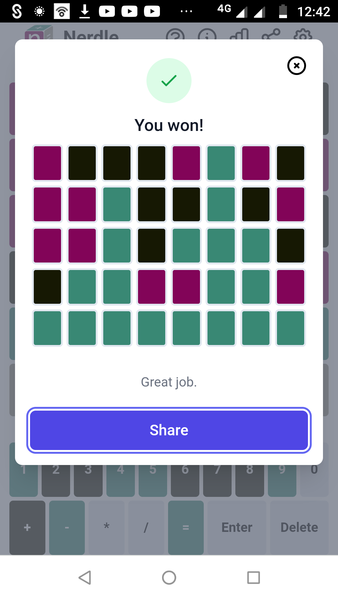
Fanny click Share and it automatically goes to your clipboard. Then I use the paste function keys, on my PC. Hold Crl and the V keys at the same time. I think you use your phone for GN, so I haven't a clue how to do it on a phone. Sorry!
Nadateturbe no, I haven’t had a look for a while - I’ve just been trying to use the ‘share’ function (using Wordle) It is another thing that has me baffled. Where do I save it?
I have just done my first Nerdle. I usually hate math type stuff but this was fun. Finally Algebra is of some use. Left school over 50 years ago and this is the first time it's been needed.
Blossoming, after I clicked the share button, I just used the Ctrl V function on my keyboard. It posted the image directly into the GN message box. I didn't have to search for it.
I was already prpared to do a screen shot and crop in Paint, when I saw the Share option.