Gransnet forums

Site stuff

Lurkers' week tip of the day: Posting photos - add yours to win!

(60 Posts)
Patsy429 Tue 10-Mar-20 11:52:16

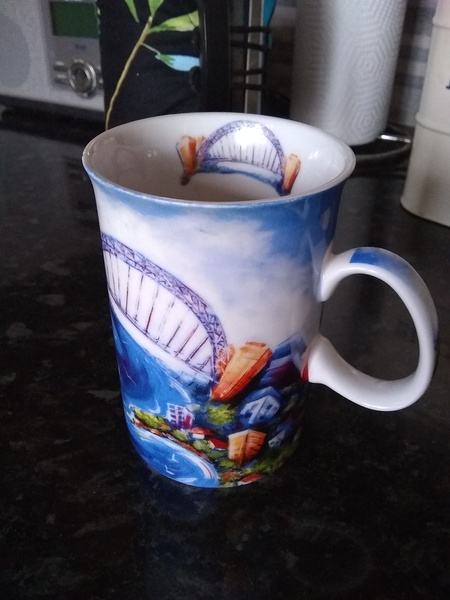
I bought this mug after I climbed Sydney Harbour Bridge five years ago. Special memories

Angelwings Tue 10-Mar-20 11:51:30

My favourite mug is actually about 10 years old and has been used every day. My husband has a black one of the same design and we bought them at Wakehurst Place National Trust shop when visiting one day.

JanT2004 Tue 10-Mar-20 11:50:40

I don’t think that worked, I’ll try again

JanT2004 Tue 10-Mar-20 11:49:23

My favourite mug to drink tea from ?

Polly4t42 Tue 10-Mar-20 11:49:15

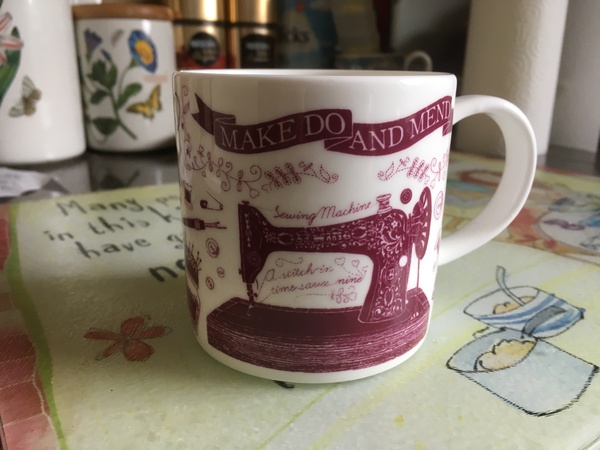
Hi here is my favourite mug that I take with me to my Embroiderers Guild meetings. It was bought for me by a dear friend who knows how much I like crafting

lemongrove Tue 10-Mar-20 11:42:26

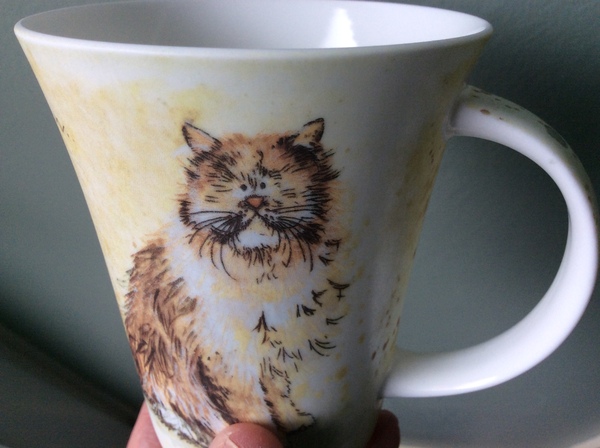
My fave mug, ‘scruffy cat’

CariGransnet (GNHQ) Tue 10-Mar-20 11:37:14

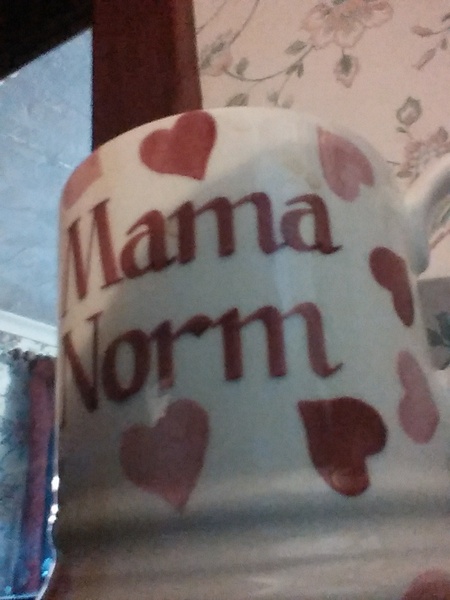
Ooh that's lovely - is it Emma Bridgewater? It has that vibe.

ranorman45 Tue 10-Mar-20 11:33:16

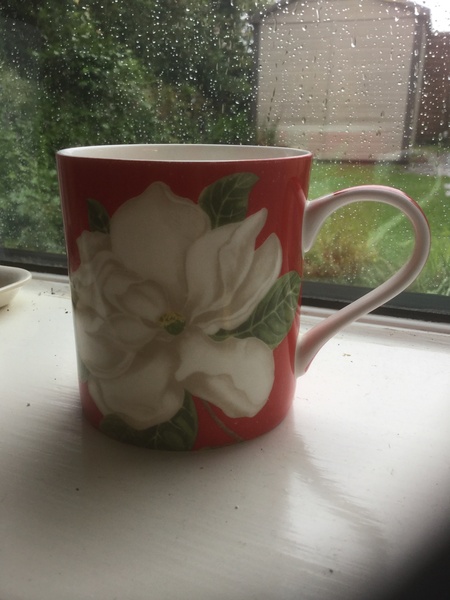
Here is my favourite mug,bought for me by one of the children,I love to drink my coffee in it and everyone knows that it's mine!

CariGransnet (GNHQ) Tue 10-Mar-20 10:32:21

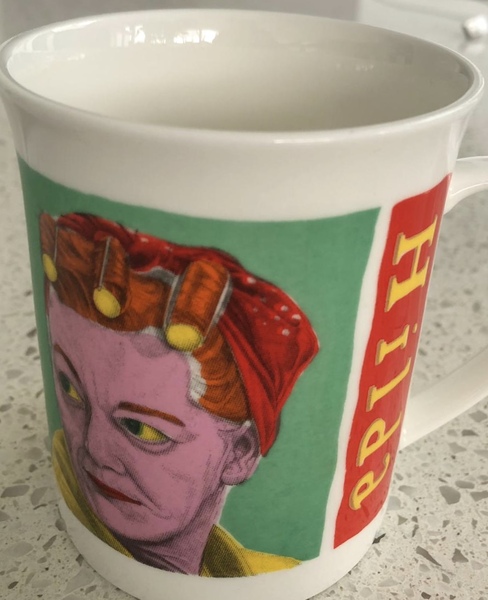
My favourite mug. Hilda on one side and Stan on the other. I also have one that’s Ena Sharples and Albert Tatlock. I love the bright colours, the thin, quality china and the nod to my Mancunian roots

NatashaGransnet (GNHQ) Tue 10-Mar-20 10:20:07

Did you know...you can post photos on Gransnet threads?

And to get you started, today we're asking you to upload an image of your favourite mug to this thread...I'll kick things off with mine. grin We'll be giving someone who posts a photo on this thread a spot prize too! brew

Here's how to post a photo...

Whether you are starting a new thread or posting on an existing one, under the box where you type your message, you will find an option that says 'Images:'. Next to this are three 'Choose file' buttons. Simply click on one of the buttons, select the file you would like to upload from your computer, and then it'll be added to the post.

If you change your mind, you can delete the file by clicking on the 'Remove image' text.

As with any post, you can click 'Preview message', so you can see what your post with photos will look like before you publish on site, and make any changes you want. When you are happy to post, click 'Post message'.

Let us know if you get stuck! flowers