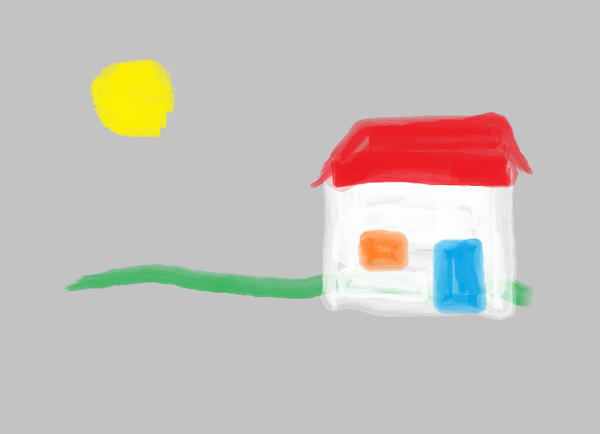
For this picture, having started off with File New and File Properties, before using the watercolour brush I used Home and then I clicked on the paint bucket that is in the middle of the upper row of logos in the group of six logos that is to the left of where one chooses a brush.
I then moved the pointer over to the right and I clicked on the Grey 25% colour square, which is in the lower row, second from the left, next to the White colour square.
I then moved the pointer onto the canvas, whereupon the pointer turned into a paint bucket with paint tipping out of it.
I then clicked on the canvas, and the whole canvas turned grey.
So then I chose the watercolour brush and produced the picture.